
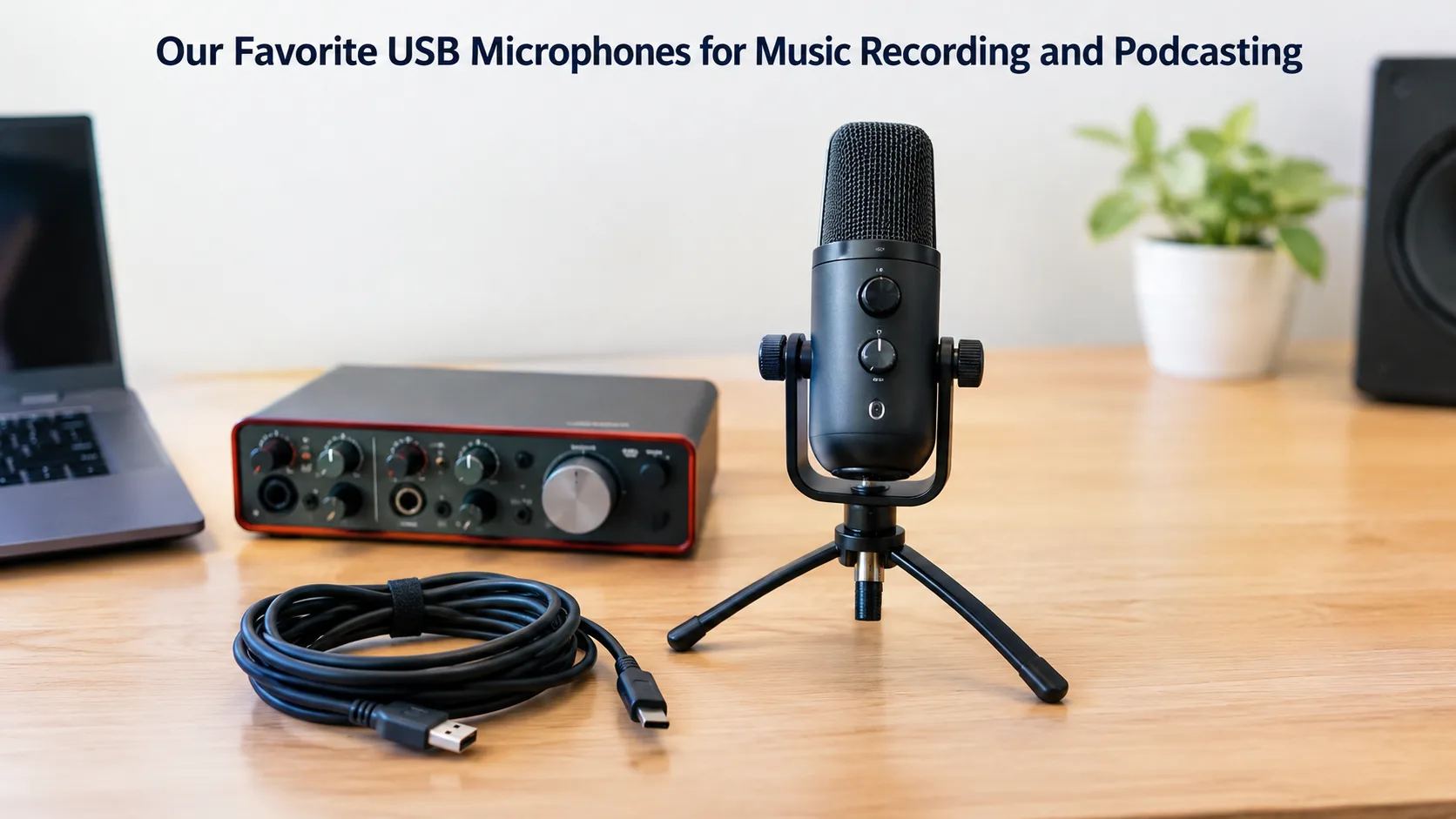
Choosing the right USB microphones for podcasting starts with understanding what you want to record, where you will record it, and how much control you need over your sound. A microphone that is great for a quiet home studio might not work best in a loud room or during a live podcast.
The good news is you do not need a difficult studio to start recording clear audio. The right microphone, sensible placement, and a quiet recording space can make a real difference.
In this guide, we compare popular USB microphones for music recording, podcasting, streaming, and voice over work. We also explain which features matter, so you can choose a microphone that fits your needs rather than paying for features you may never use.
Our Favorite USB Microphones at a Glance
The best microphone depends on your recording style and environment. Some models focus on spoken voice, while others offer more flexibility for singing, instruments, interviews, and live streaming.
Here is a quick comparison of six popular options based on their features and intended uses.
| Microphone | Best suited for | Key advantage |
|---|---|---|
| Shure MV7+ | Professional podcasting | USB-C and XLR connectivity with voice-processing features |
| RODE NT-USB+ | Music Recording and podcast recording | Condenser microphone with headphone monitoring |
| Samson Q2U | Beginners | Dynamic design with USB and XLR connections |
| Audio Technica AT2020USB-X | Vocal recording and home recording | Condenser design with headphone monitoring and mix control |
| Blue Yeti | Interviews and content creation | Four selectable pickup patterns |
| Elgato Wave:3 | Streaming and content creation | Audio-processing features and clipping protection |
These microphones serve different purposes. Before buying one, consider your budget, recording environment, computer compatibility, and the type of sound you want to capture.
1. Shure MV7+: A Strong Choice for Podcasting
The Shure MV7+ is designed for creators who want more control over their voice recordings. Its USB-C and XLR connectivity is useful for computer based recording and more advanced studio setups.
What makes it useful?
-
USB-C and XLR connectivity: Start with a compatible computer and later connect the microphone to suitable audio equipment through XLR.
-
Automatic level adjustment: Its automatic level feature can help manage the recording level, even if the volume of your voice changes while you are speaking.
-
Noise-processing features: Voice isolation and denoising features can help reduce unwanted background sound.
-
Headphone monitoring: Monitor your recording straight from the microphone's headphone port.
-
App controls: Compatible software provides additional options for adjusting and processing your voice.
Who should choose it?
This microphone suits regular podcasters, interview hosts, streamers, and professionals who record spoken content frequently. It is particularly useful when you want flexibility and more control over your audio.
However, it may offer more features than a casual beginner needs. Make sure to compare your actual recording needs with its features before paying more for advanced controls.
2. RODE NT-USB+: A Versatile Option for Music and Speech
The RODE NT-USB+ is worth considering if you want one microphone for spoken content, vocals, and home recording tasks. It uses a condenser capsule with a cardioid pickup pattern.
Its features include USB Type-C connectivity, digital audio conversion, headphone output, and support for compatible audio processing software.
Why does it stand out?
-
For podcasting: Its directional pickup pattern is suitable for recording a person speaking in front of the microphone.
-
For vocals: It can capture singing and other hearing sources in a proper recording environment.
-
For monitoring: Direct headphone monitoring helps you hear your performance without distracting software delay.
-
For simple setups: Connect this to a compatible computer for basic recording without needing a separate audio interface.
-
For sound control: Compatible software offers additional audio-processing options.
What should you consider?
Condenser microphones can capture plenty of detail, including unwanted room reflections, fan noise, and nearby activity. Your recording space still matters.
The NT-USB+ is a useful option for creators who record a wide variety of content. Before buying, compare its features, current price, included accessories, and device compatibility.
3. Samson Q2U: A Practical First Microphone
The Samson Q2U is worth considering if you are starting your podcast or home recording journey and want a microphone that offers room to grow. It is a dynamic microphone with both USB and XLR outputs.
What are the main benefits?
-
Two connection options: Use USB for a basic computer setup, or go with XLR for compatible audio gear.
-
Dynamic microphone design: A close recording position can help make your voice prominent without raising the input gain unnecessarily.
-
Headphone monitoring: Listen to your voice while recording.
-
Useful accessories: Based on the package, the provided accessories can cut down on extra purchases.
-
Flexible use: It can be used for podcasting, music recording, streaming, and voice calls.
Is it suitable for beginners?
Yes. It is a sensible option for someone who wants a straightforward setup and may eventually move to an audio interface.
Please note that a dynamic microphone does not cancel out background noise on its own. You still need to minimize ambient noise and speak directly into the right part of the microphone.
4. Audio-Technica AT2020USB-X: For Detailed Vocal Recording
The Audio Technica AT2020USB-X is a USB condenser microphone designed for digital recording. Singers, musicians, voice over artists, and creators who want to record vocals at home should definitely consider this.
Which features matter most?
-
Detailed sound capture: The condenser design is suited to vocal and acoustic recording when the room is reasonably quiet.
-
Headphone output: Monitor your recording directly from the microphone.
-
Mix control: Adjust the balance between your microphone signal and computer audio when monitoring.
-
Mute control: The microphone provides a convenient way to mute the input.
-
USB connection: Connect it to compatible computers without needing a separate USB audio interface for standard operation.
What is it best for?
Consider this model if you mainly record solo vocals, voice over work, acoustic instruments, or other sources in a controlled room.
Simply having a high sample rate does not make every recording sound better on its own. Microphone quality, the source sound, room acoustics, and recording software settings all matter just as much.
5. Blue Yeti: Flexible Recording for Interviews and More
The Blue Yeti is worth considering if you record different types of content and need more than one microphone pickup pattern. It offers several ways to capture sound around the microphone.
Why is pattern selection useful?
-
Cardioid: Useful for recording one person speaking in front of the microphone.
-
Bidirectional: Can suit a face to face conversation when two people sit opposite each other.
-
Omnidirectional: Can capture sound from multiple directions around the microphone.
-
Stereo: Useful for certain recordings where the spatial character of the sound matters.
Is it right for your setup?
The Blue Yeti can suit creators who make interviews, video content, voice recordings, and other projects that benefit from pickup-pattern flexibility.
There is one important trade off. A microphone that captures sound from more directions can also capture more room noise and reflections. For solo recording in a noisy room, a simpler directional setup may be easier to manage.
Check the exact model and available controls before purchasing, since product versions and features can differ.
6. Elgato Wave:3: For Streaming and Content Creation
The Elgato Wave:3 is a USB condenser microphone aimed at streamers, podcasters, and other creators who need convenient audio control alongside recording.
What makes it useful for creators?
-
Clipping protection: Its processing features are designed to help reduce the risk of unpleasant digital clipping when input levels rise unexpectedly.
-
Audio processing: Built-in software features simplify some recording tasks.
-
Headphone connection: Monitor your audio through its headphone output.
-
USB connectivity: Connect it to a compatible computer without a separate audio interface for basic use.
Who benefits most?
This microphone is worth considering for streamers and creators who want a controlled computer-based audio workflow.
For music recording, its suitability depends on the instrument, recording technique, software, and sound you want. A streaming oriented feature set should not be the only reason to choose a microphone for musical work.
What Should You Compare Before Buying a USB Microphone?
Choosing between microphones becomes easier when you focus on a few practical features instead of getting lost in specification sheets.
1. Dynamic or condenser design
Dynamic microphones can be useful for close-miked speech in less than ideal rooms. Condenser microphones are often selected for detailed vocal and acoustic-instrument recording.
This is a general guide, not a strict rule. A microphone's pickup pattern, placement, and recording environment also affect the final result.
2. Pickup pattern
A pickup pattern describes the directions from which a microphone is most sensitive to sound.
A cardioid microphone is generally most sensitive to sound arriving from the front and less sensitive to sound from the rear. However, it does not completely cancel background noise.
For a solo podcast, a cardioid microphone may be a practical choice. For conversations between multiple people, consider the recording arrangement before choosing a pickup pattern.
3. USB-C, USB-A, or XLR connectivity
Check the exact connection your computer or recording equipment supports. You may need a compatible cable or adapter, depending on the microphone and device.
A USB microphone generally offers a simpler way to record directly to a computer. An XLR microphone typically connects through a compatible audio interface or mixer. A dual-output microphone provides both options.
4. Headphone monitoring
A headphone output can help you hear your voice or instrument while recording. Direct monitoring can also avoid the delay that may occur when audio travels through computer software before reaching your headphones.
This is particularly useful when recording singing, playing along with music, or trying to maintain a consistent speaking level.
5. Room noise and microphone placement
A good microphone cannot solve every room problem. Air conditioning, traffic, keyboard clicks, echoes, and other sounds can still enter your recording.
Keep the microphone at a consistent distance from your mouth and avoid placing it near noisy equipment. Small adjustments can improve the balance between your voice and the surrounding sound.
Which USB Microphone Is Right for Your Recording Style?
The right choice depends on what you record most often and the environment where you work.
-
For regular podcast episodes: Compare the Shure MV7+ and RØDE NT-USB+ based on your room, preferred sound, processing needs, and budget.
-
For a first recording setup: The Samson Q2U is worth considering because it offers both USB and XLR connections.
-
For singing and acoustic instruments: The RØDE NT-USB+ and Audio-Technica AT2020USB-X are candidates for a quiet home studio.
-
For interviews with different seating arrangements: The Blue Yeti's pickup-pattern options may be useful.
-
For streaming: Consider the Elgato Wave:3 if its processing and computer-based controls match your workflow.
-
For voice-over recording: Prioritise clear speech, consistent microphone distance, low room noise, and reliable headphone monitoring.
Before making a final decision, compare the complete cost. Include any required stand, pop filter, headphones, cable, or adapter rather than looking only at the microphone price.
How Can You Improve Audio Quality at Home?
A good microphone is only part of a good recording. A few basic setup changes can improve the result without requiring an expensive studio.
Place the microphone correctly
Keep the microphone at a consistent distance from your mouth and speak into its intended pickup side. A small position adjustment can change the balance of your voice and the amount of room sound captured.
Use a pop filter
A pop filter helps reduce bursts of air from sounds such as “P” and “B.” It is particularly useful for close-miked speech and vocals.
You can explore recording equipment and accessories through the Hawk Pro website. Check the compatibility of any stand, pop filter, or other accessory with your chosen microphone before ordering.
Reduce noise around you
Turn off unnecessary fans or noisy equipment where practical. Close windows if outside noise is a problem, and avoid placing the microphone near a computer fan or air-conditioning outlet.
Soft furnishings may help reduce some room reflections, although they are not a substitute for proper acoustic treatment.
Record a test before the real session
Record a short sample at your normal speaking or singing volume. Listen through headphones for clipping, background noise, echo, harsh “S” sounds, and bursts of air.
Adjust your position and input level before recording the full episode or song. A one minute test can save much more time during editing.
Conclusion
A good microphone, proper placement, and a quiet recording space can help you create clear audio for podcasts, music, and voice-overs. Before buying, compare connectivity, monitoring features, and compatibility with your devices.
Explore Hawk for audio equipment and recording accessories to help build your setup.